- February 3, 2026
- Kishore Thutaram
-
- 0
Update additional fields to Sales order header, Item and Business data
Business Scenario:
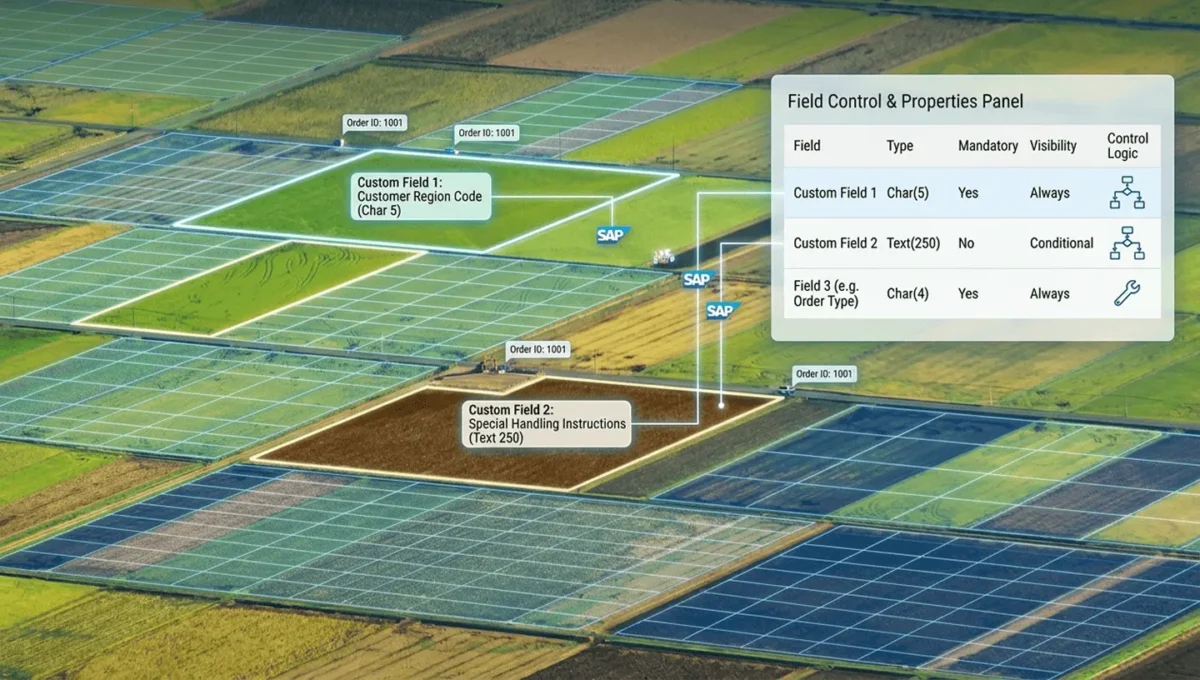
“Populate the additional field values in sales order – Tables VBAK, VBAP and VBKD”
Steps:
Open Include Program – MV45AFZZ
For Sales order header (VBAK) -> Choose the Exit – FORM USEREXIT_MOVE_FIELD_TO_VBAK
Map the field value as needed.
Ex Code:
VBAK-ZZFIELD = ‘TEST234’.
For Sales Order Item (VBAP) -> Choose the Exit FORM USEREXIT_MOVE_FIELD_TO_VBAP
Ex Code:
VBAP-ZZFIELD = ‘Test 1234’.
For Sales Order business data (VBKD) -> Choose the Exit – FORM USEREXIT_MOVE_FIELD_TO_VBKD
put any condition as per the requirement, in this case, update price list type of the Ship to in sales order.
*--*Get Shipto at Item level if it is available else at header
        DATA(ls_xvbpa) =  VALUE #( it_xvbpa[ posnr = vbkd-posnr parvw = 'WE' ] OPTIONAL ).
        IF ls_xvbpa-kunnr IS INITIAL.
          ls_xvbpa =  VALUE #( xvbpa[ posnr = '000000' parvw = 'WE' ] OPTIONAL ).
        ENDIF.
*--* Fetch Price List Type of the Ship-To from master Data
        IF ls_xvbpa-kunnr IS NOT INITIAL.
          SELECT SINGLE pricelisttype FROM i_customersalesarea  INTO @DATA(lv_pricelist)
                                                WHERE customer = @ls_xvbpa-kunnr
                                                 AND salesorganization = @vbak-vkorg
                                                 AND distributionchannel = @vbak-vtweg
                                                 AND division = @vbak-spart.
          IF sy-subrc EQ 0 AND lv_pricelist IS NOT INITIAL.
*--* Update ShipTo's Price List type into sales order
            vbkd-pltyp = lv_pricelist.
          ENDIF.
        ENDIF.
      ENDIF.