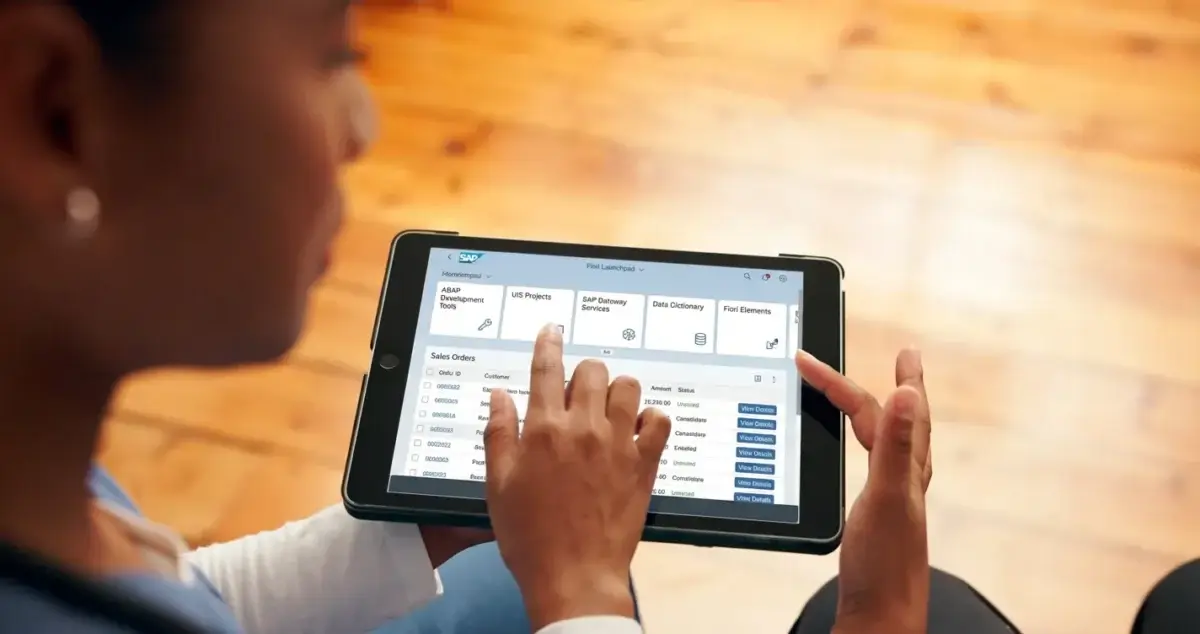
SAP UI (User Interface) defines how users interact with SAP systems. Over the years, SAP’s UI has grown from traditional SAP GUI screens to modern, mobile-friendly Fiori experiences. Understanding SAP UI helps developers and users work more efficiently in today’s SAP landscapes.
What Is SAP UI?
SAP UI includes all front-end technologies used to access SAP applications:
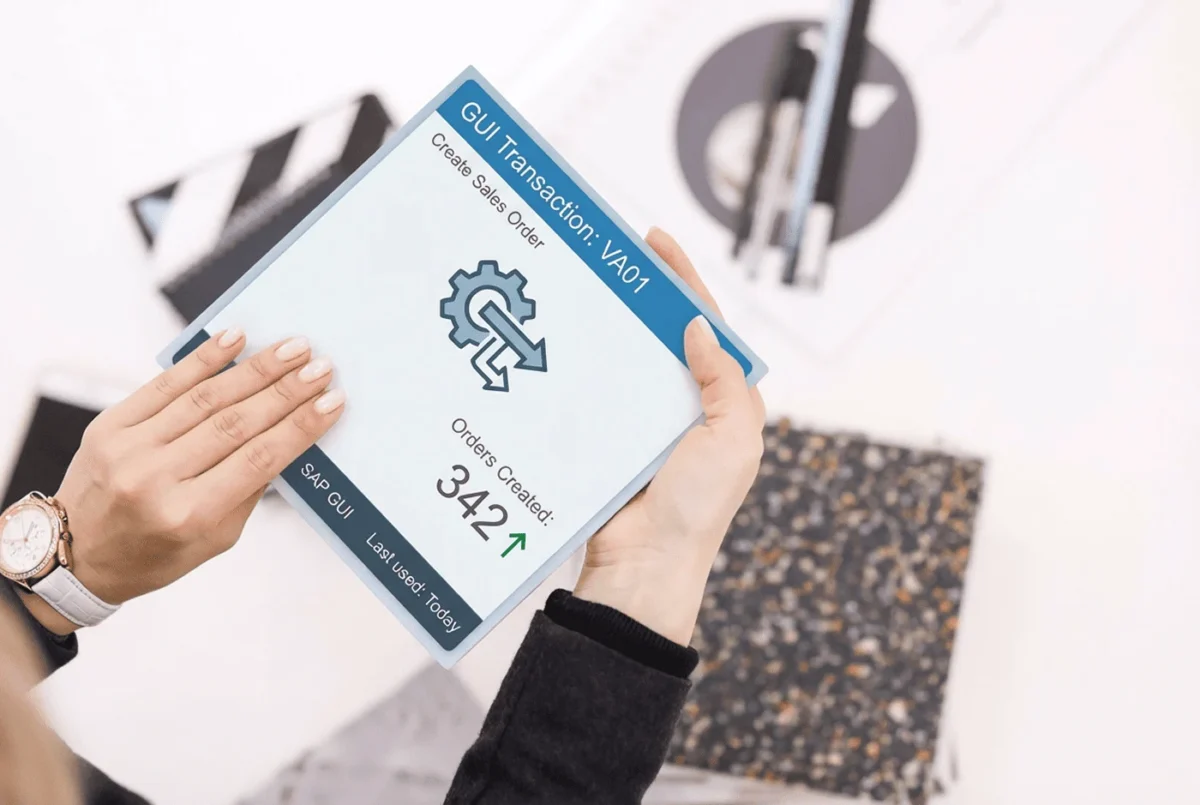
SAP GUI – Classic interface for ECC and ABAP systems
SAP Fiori – Modern UX standard for S/4HANA
SAPUI5 – JavaScript framework for building custom apps
SAP Build – Low-code platform for quick app creation
These technologies aim to simplify user experience, reduce complexity, and improve productivity.
Core SAP UI Components
SAP Fiori
SAPUI5
Fiori Launchpad
SAP Build Tools
Why SAP UI Matters
A good UI leads to:
Faster task completion
Higher user adoption
Mobile accessibility
Easy customization
Future Trends
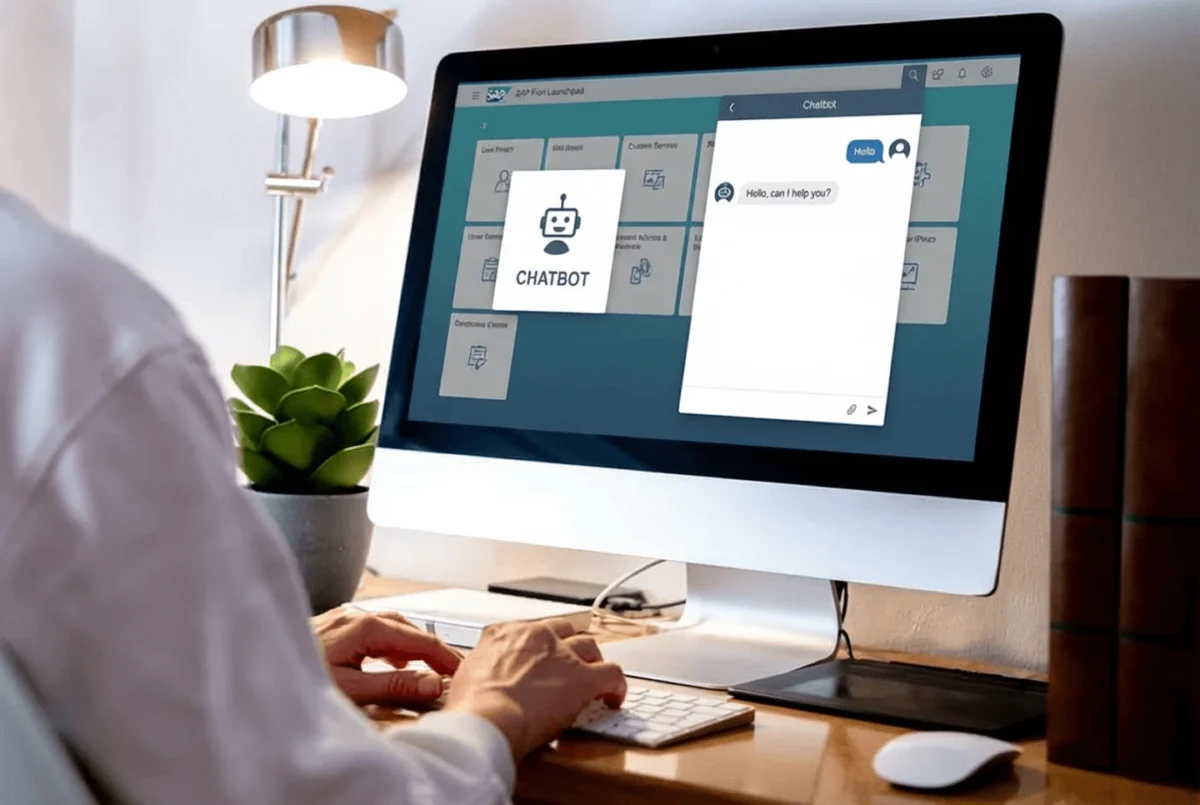
AI-driven UX with SAP Joule
Conversational and voice interfaces
Growth of low-code/no-code tools
Unified workspace through Work Zone
Conclusion
SAP UI continues to evolve, focusing on usability, mobility, and modern design. Whether using SAP GUI, Fiori, SAPUI5, or Build tools, the goal remains the same: creating a seamless user experience across devices and platforms.